Revolutionary
image
management
Zotico Custom Images is a powerful WordPress plugin that extends image capabilities: WebP/AVIF generation, video posters, Fancybox galleries and more.

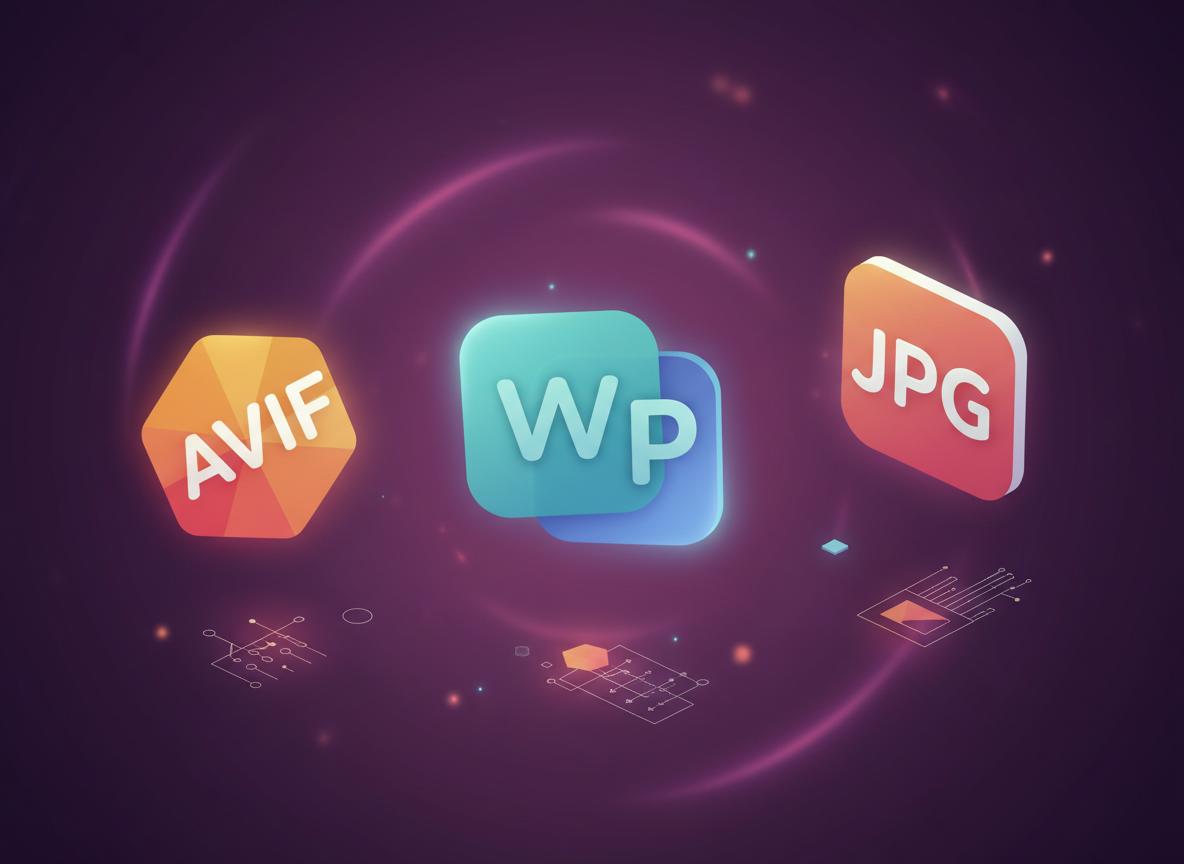
WebP & AVIF
Modern formats
Video posters
FFmpeg integration
What makes the plugin special
All the tools you need for professional image handling in one plugin
Custom Sizes
Create unlimited additional image sizes with precise parameters

WebP & AVIF
Automatic generation of modern image formats for maximum optimization
Video Posters
Create frames from videos through FFmpeg and use them as thumbnails

Fancybox Galleries
Built-in support for beautiful lightbox galleries with smooth animations

How does it work
Installation & Setup
Copy the plugin to wp-content/plugins, activate it and configure it in the Settings → Zotico Images menu
Add Sizes
Set the required image sizes in the format: name, width, height, crop
Use in Code
Use the zci_picture() function in templates to output optimized images
Usage Examples
Simple image output with optimization
<?php
zci_picture( get_post_thumbnail_id(), [
    'img_size'  => 'thumb-350',
    'class'     => 'card__img-wrap',
    'img_class' => 'card__img',
]);Why use Zotico Images
The plugin solves real problems for web developers and optimizers, making image handling faster and more efficient.
What’s the difference?
Using WebP and AVIF can reduce image size by up to 35% without losing quality
Ready to get started?
Download the plugin now and start optimizing images on your site
Quick installation
# 1. Extract to wp-content/plugins/
# 2. Activate in admin panel
# 3. Configure in Settings → Zotico Images